
Key Takeaways
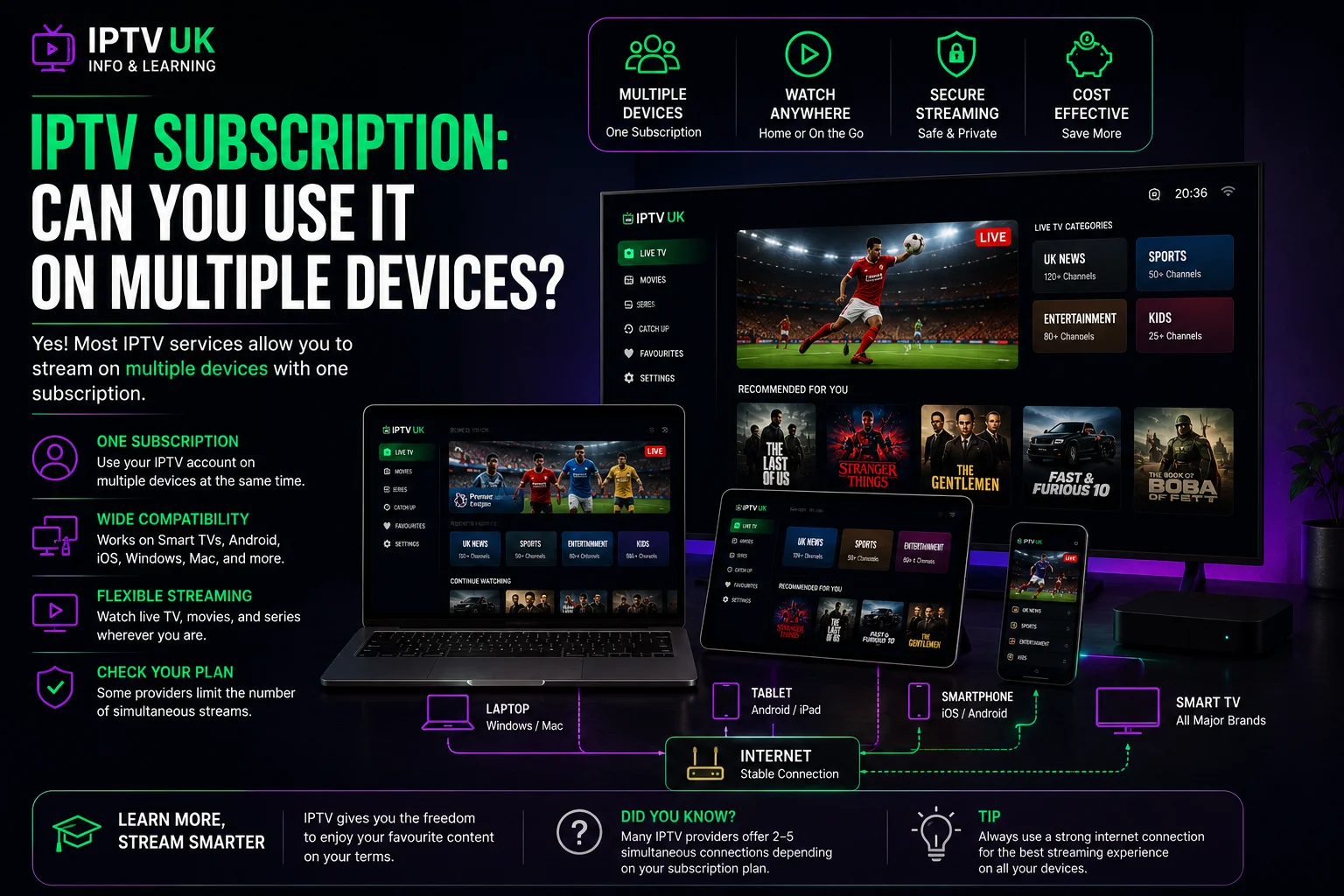
- An IPTV subscription works on any device you own — Firestick, phone, Smart TV, tablet — using the same login on all of them.
- Only one device can stream at a time per subscription. It's not a device count limit, it's a single active connection.
- To watch on two screens at the exact same moment, you need a second subscription, not a bigger plan.
- Switching which device you use — phone in the morning, TV in the evening — is completely free and unlimited.
It's one of the first questions almost everyone asks before buying: can an IPTV subscription actually be used across multiple devices? The honest answer has two parts, and providers don't always explain both clearly — yes, you can use it on as many devices as you like, but only one of them can be streaming at any given moment. This guide covers exactly what that means in practice.
How an IPTV Subscription Actually Works Across Devices
An IPTV subscription gives you one set of login details — a username, password and server address, or a single M3U link. You can enter those same details into the player app on your phone, your Firestick, your Smart TV, a tablet, or a laptop — there's no limit on how many devices you install it on or log into over time. The one restriction is that only one of those devices can be actively streaming at once. Think of it less as "5 devices included" and more as "one active connection, usable from anywhere."
Can Two People Watch Different Things at the Same Time?
Not on a single subscription — that's the part worth being upfront about. If one device is already streaming and a second device logs in and tries to start a stream, the first one will typically be interrupted or logged out, because the subscription only supports one active connection. If your household genuinely needs two (or more) screens watching independently at the same time — say, the living room TV and a bedroom tablet during the same match — the straightforward solution is a second subscription, giving you a fully separate, independent login for the second screen.
Need a second simultaneous stream?
Add a second IPTVUKElite subscription at the same discounted rate — from £4/month, with a free 24-hour trial on your first.
Start Your Free TrialSwitching Between Devices Is Completely Free
What is included, at no extra cost and with no limit, is moving between devices whenever you like. Watch on your phone during the commute, then pick up the same channel on the Smart TV once you're home — just make sure the stream on the first device is closed before opening it on the second, since only one can be active at a time. There's no waiting period, no cooldown and no extra step beyond logging in with the same details.
Do You Need a Separate Account for Each Device?
No. The same IPTV subscription login works on every device you choose to install it on — there's no need to register separately for your phone versus your TV versus a laptop. The login itself doesn't change; what changes is that only one of the devices using it can be mid-stream at any one time.
How Much Does a Second Simultaneous Stream Cost?
A second simultaneous connection means a second full IPTV subscription — not an add-on or a discounted extra slot. The good news is it's priced the same as your first plan, so adding a second stream for another family member costs exactly what your original subscription did, from £4/month on the 12-month term.
The Verdict
An IPTV subscription is genuinely flexible about which device you use — install it anywhere, log in from anywhere, switch whenever you like. What it doesn't do is stretch one login across two screens running at the same time; that requires a second subscription, priced the same as the first. Once that distinction is clear, there's no confusion about what you're actually getting.
Frequently Asked Questions
How many devices can I use with one IPTV subscription?
You can install and log into your IPTV subscription on as many devices as you like — a phone, a Firestick, a Smart TV and more — but only one of them can stream at a time. It's one active connection per subscription, not a fixed number of devices.
Can I watch on two devices at the same time with one IPTV subscription?
No. A single IPTV subscription streams on one device at a time. If a second device tries to log in and start a stream while the first is already playing, the first stream will typically be interrupted or logged out.
How do I watch on two screens at once, like the living room and a bedroom?
You need a separate subscription for each device you want streaming simultaneously. Buying a second IPTVUKElite subscription gives you a second independent login, so two people can watch different things on different screens at the same time.
Can I switch between devices, like my phone and my TV?
Yes, freely. You can use the same login on your phone during the day and your Smart TV in the evening — there's no limit on which devices you use, only on how many can stream at the exact same moment. Just make sure the stream on one device is closed before starting on another.
Do I need a separate account to install the app on multiple devices?
No. The same username, password and server details (or M3U link) work on every device you install the player app on. You only need an additional subscription if you want more than one device streaming at the same time.
How much does a second simultaneous connection cost?
A second simultaneous stream requires a second full IPTVUKElite subscription, which can be added at the same discounted rates as your first plan — from £4/month on the 12-month term.
Ready to get started?
Use your IPTV subscription on any device you own — 34,000+ channels, zero buffering — from £4/mo, with a free 24-hour trial.
Claim Your Best Deal — 58% Off