
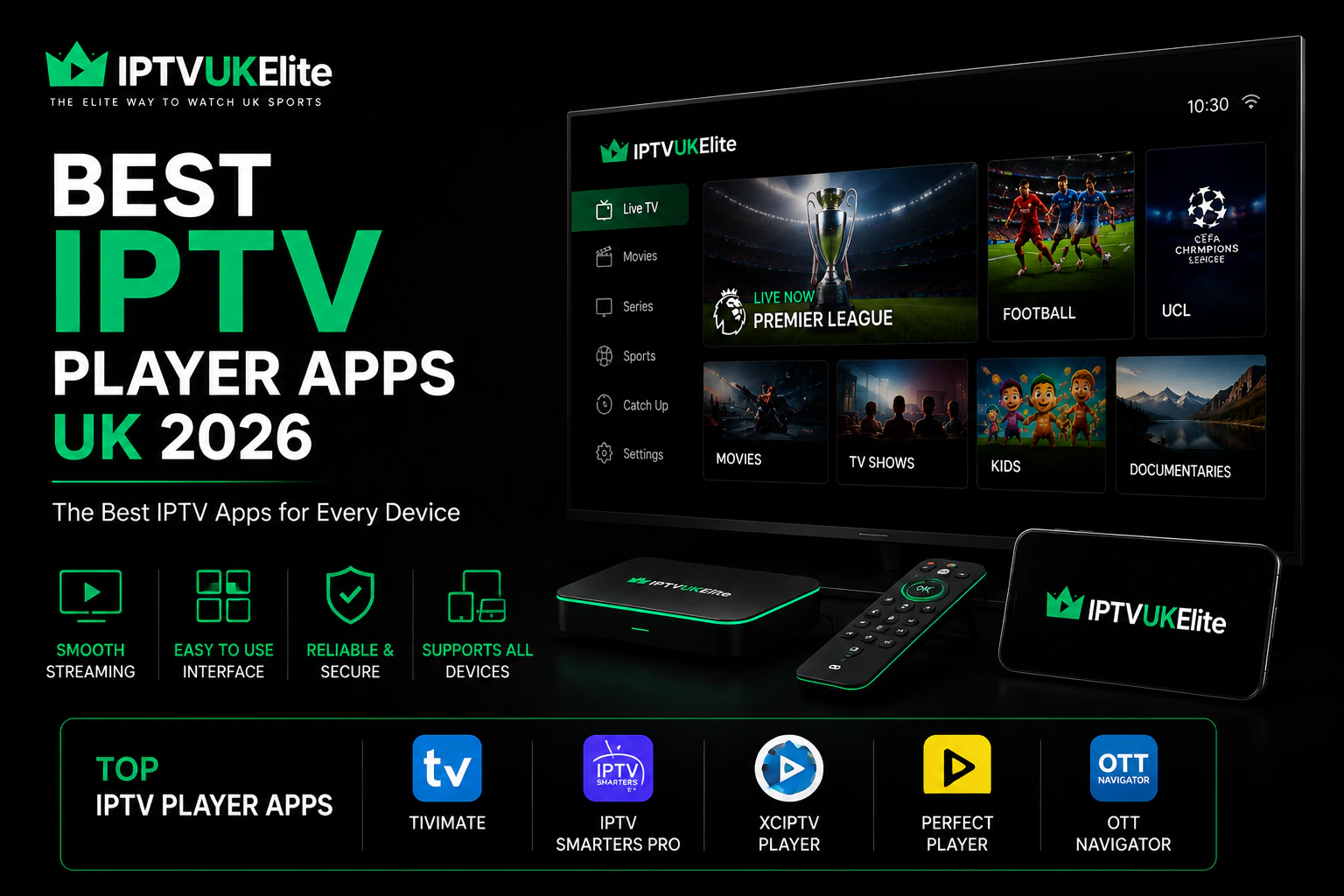
Key Takeaways
- IPTV Smarters Pro is the best all-rounder — free and runs on nearly every device.
- TiviMate has the best live TV guide, but only works on Firestick and Android TV.
- XCIPTV is the best middle ground if you want casting and multi-screen.
- Samsung and LG TVs need a separate player such as IBO Player or Smarters Player Lite.
- The app is only the remote control — your provider decides 4K quality and buffering.
Search for "best IPTV player app" and you'll get a dozen names thrown at you with no explanation of which one actually suits your telly. This guide cuts through it. We compare the three IPTV player apps UK viewers actually use — IPTV Smarters Pro, TiviMate and XCIPTV — explain what each is genuinely good at, and tell you which to install based on the device you own.
First: An IPTV App Is Not an IPTV Service
This trips up almost every beginner, so it's worth 30 seconds. An IPTV player app is just a player — like VLC or a web browser. It contains no channels whatsoever. Downloading IPTV Smarters Pro gives you an empty app and nothing to watch.
To get channels you enter login details from an IPTV provider. The provider runs the servers that actually deliver the streams. That's why the same app can feel flawless for one person and buffer constantly for another — they're on different providers. Keep that in mind as you read on, because it decides far more than your choice of app. If you already use Kodi for your media library, IPTV can be added to it directly rather than running a separate app.
The Best IPTV Player Apps UK — Quick Comparison
| App | Devices | Cost | Best For | Works with IPTVUKElite |
|---|---|---|---|---|
| IPTV Smarters Pro | Firestick, Android, iPhone, iPad, Windows, Mac | Free | Best all-rounder | ✓ |
| TiviMate | Firestick, Android TV boxes only | Free + optional Premium | Best live TV guide | ✓ |
| XCIPTV | Firestick, Android, iPhone | Free | Casting & multi-screen | ✓ |
| IBO / Smarters Player Lite | Samsung Tizen, LG webOS | Small one-off fee | Smart TVs with no stick | ✓ |
1. IPTV Smarters Pro — Best All-Rounder
If you want one app that works on everything you own, this is it. IPTV Smarters Pro is free, and it's the only major player that runs on Firestick, Android, iPhone, iPad, Windows and Mac alike. Set it up once and the layout is identical on every screen in the house.
It handles live TV, films and box sets in separate tabs, loads a full programme guide, supports catch-up where your provider offers it, and includes parental controls. Setup is the simplest of the three — most providers, including IPTVUKElite, give you credentials you paste in once. It installs straight from the Google Play Store on a genuine Android TV box, no sideloading required.
- Pros: free, runs on every device, beginner-friendly, handles films and series well.
- Cons: the live TV guide feels less polished than TiviMate's on a big screen.
- Pick it if: you watch across several devices, or you're setting up IPTV for the first time.
2. TiviMate — Best Live TV Experience
Ask any long-time Firestick user and they'll say TiviMate. It's built purely for watching live telly on a television, and it shows: channel switching is near-instant, the programme guide looks and behaves like a real TV guide, and the remote-first navigation is genuinely excellent for football.
The catch is compatibility. TiviMate runs on Android TV and Fire OS only — that means Firestick and Android boxes. There is no iPhone or iPad version, and it isn't designed for phones at all. The free version covers the basics; a paid Premium tier adds multiple playlists, recording and favourites sync.
- Pros: best-in-class guide, fastest zapping, superb on a Firestick.
- Cons: no iOS, no Smart TV version, best features are behind Premium.
- Pick it if: your telly runs off a Firestick or Android box and you mainly watch live sport.
The app is free — the streams are what you pay for
Every Premier League match, 34,000+ channels and 200,000+ films in 4K, on whichever player you prefer — from just £4/month on the annual plan.
Get 12 Months — 58% Off3. XCIPTV — Best for Casting & Multi-Screen
XCIPTV sits between the two. It runs on Firestick, Android and iPhone, and its stand-out features are Chromecast support and multi-screen — handy when two matches kick off at 3pm and you want both on one display.
- Pros: multi-screen viewing, casting support, clean modern interface.
- Cons: smaller community, so fewer tutorials when you get stuck.
- Pick it if: you want to watch two games at once or cast from your phone.
Also Worth Knowing: Perfect Player & OTT Navigator
Two more names come up constantly in UK IPTV circles, and both are worth a look if the big three don't click for you:
- OTT Navigator — the power user's pick. Runs on Android and Fire OS, and is far and away the most customisable player here: you can reshape the guide, the layout and the recording behaviour to taste. Brilliant if you like tinkering, overwhelming if you don't.
- Perfect Player — the veteran. It's been around for years, runs on Android and Windows, and does the basics reliably with a no-nonsense interface. It looks dated next to TiviMate, but it's light and it works.
4. Samsung & LG Smart TVs — A Different Route
Samsung (Tizen) and LG (webOS) televisions don't run Android apps, so none of the three above will install. Instead you'll find players like IBO Player or Smarters Player Lite in your TV's own app store. These typically charge a small one-off activation fee rather than a subscription.
If you'd rather not pay it, plugging a Firestick into a spare HDMI port is often cheaper and gives you the full choice of apps — see our step-by-step setup guide.
Which IPTV App Should You Choose?
- Firestick or Android TV box → TiviMate for live sport, IPTV Smarters Pro if you want free and simple.
- iPhone or iPad → IPTV Smarters Pro or XCIPTV (TiviMate isn't available).
- Samsung or LG Smart TV → IBO Player or Smarters Player Lite.
- Windows or Mac → IPTV Smarters Pro.
- Several devices → IPTV Smarters Pro, for one consistent layout everywhere.
The Part That Actually Decides Your Picture Quality
Here's the honest truth after all that comparing: your provider matters more than your app. The app draws the menus and manages the buffer. It cannot invent a 4K stream that your provider doesn't send, and it cannot stop buffering when a server is overloaded at 3pm on a Saturday.
That's the problem IPTVUKElite is built to solve. UK-based servers sized for peak weekend kick-offs, a zero-buffering guarantee in writing, and 34,000+ channels in genuine 4K Ultra HD — playable in whichever app from this guide you prefer. One subscription works on any device you own, so you can install TiviMate on the Firestick and Smarters on your phone — just remember only one can stream at a time per subscription.
Frequently Asked Questions
What is the best IPTV player app in the UK?
For most UK viewers IPTV Smarters Pro is the best all-round IPTV player app because it is free and runs on almost every device — Firestick, Android, iPhone, Windows and Mac. If you only watch on a Firestick or Android TV box, TiviMate has the best live TV interface and electronic programme guide.
Is IPTV Smarters Pro free?
Yes. IPTV Smarters Pro is a free IPTV player app. It is only a player, so it does not include any channels — you add your own login details from an IPTV provider such as IPTVUKElite.
Does TiviMate work on iPhone?
No. TiviMate is built for Android TV and Fire OS devices such as the Amazon Firestick, so it does not run on iPhone or iPad. iPhone users should choose IPTV Smarters Pro or another iOS-compatible player.
Which IPTV app is best for Firestick?
TiviMate is widely considered the best IPTV app for Firestick thanks to its fast channel switching and TV-style programme guide. IPTV Smarters Pro is the best free alternative and is easier to set up for beginners.
Do I need a different app for a Samsung or LG Smart TV?
Yes. Samsung Tizen and LG webOS televisions do not run Android apps, so you need a Smart TV player such as IBO Player or Smarters Player Lite from your TV's app store. These usually carry a small one-off activation fee.
Does the IPTV player app affect streaming quality?
Only slightly. The app controls the interface and buffer settings, but picture quality, 4K availability and buffering are determined by your IPTV provider's servers. A good app cannot fix a weak provider.
Ready to start watching?
Join 50,000+ UK viewers on the best IPTV subscription UK — 12 months for £4/mo, 4K Ultra HD, zero buffering and a free 24-hour trial with no card required.
Claim Your Best Deal — 58% Off