
Key Takeaways
- The Fire TV Stick 4K Max is the best Firestick for IPTV — fastest chip, Wi-Fi 6, no slowdown on big channel lists.
- Installing IPTV takes about five minutes using the Downloader app. No computer and no "jailbreaking" needed.
- Most Firestick buffering is caused by 2.4GHz Wi-Fi, a full cache or a weak provider — not the stick itself.
- A Firestick alone does nothing: you still need an IPTV subscription, from £4/month with IPTVUKElite.
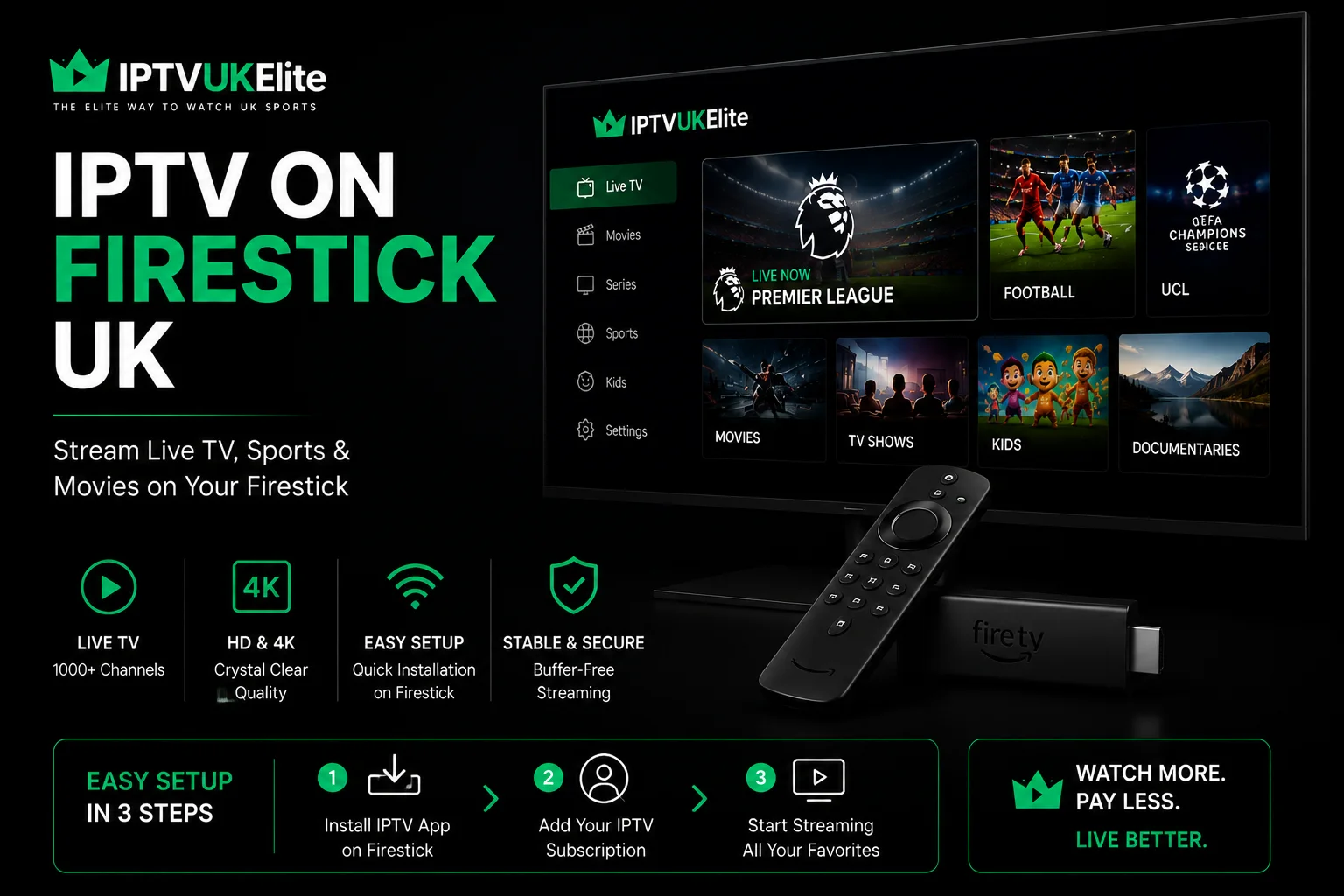
The Amazon Fire TV Stick is comfortably the most popular way to watch IPTV in the UK. It costs less than £60, plugs into any TV with an HDMI port, and runs a stripped-back version of Android — which means it will happily run an IPTV player app alongside Netflix and iPlayer.
This guide covers the whole process end to end: choosing the right Firestick, installing the app, picking a player, and fixing the buffering problems that make most people give up. If you just want the condensed steps for every device, our IPTV setup guide covers Firestick, Smart TV, Android, iPhone and MAG box in short form.
Which Firestick Do You Actually Need?
Amazon sells several Fire TV models and they are not equally good for live sport. The differences that matter for IPTV are processor speed, Wi-Fi standard and available memory — a long channel list and an electronic programme guide are surprisingly demanding to scroll through.
| Model | 4K Max | 4K | HD |
|---|---|---|---|
| Best for IPTV | ✅ Yes | ✅ Good | ⚠️ Basic |
| 4K streaming | ✅ Yes | ✅ Yes | ❌ No |
| Wi-Fi 6 | ✅ Yes | ❌ No | ❌ No |
| Handles 34,000+ channel lists | ✅ Smoothly | ✅ Yes | ⚠️ Sluggish |
| Typical UK price | ~£49 | ~£39 | ~£39 |
If you are buying new and intend to watch football, get the 4K Max. The Wi-Fi 6 support alone makes a visible difference during a busy Saturday afternoon, and the extra memory stops the guide from stuttering when you scroll a large channel list. If you already own a standard 4K stick, there is no need to upgrade — it handles Premier League in 4K perfectly well.
Before You Start
You need three things: a Fire TV Stick plugged into your TV and connected to Wi-Fi, an active IPTV subscription with login details, and about five minutes. If you do not have a subscription yet, you can start a free 24-hour trial with no card required and set everything up with the trial credentials. Already have a Samsung or LG Smart TV and want to skip the extra hardware? See our IPTV on Smart TV guide instead.
One honest note before you begin: the Firestick is only the player. It does not provide channels by itself. The quality you get — whether matches stutter at 3pm on a Saturday — is determined almost entirely by the IPTV subscription behind it, not by the hardware.
How to Install IPTV on a Firestick (Step by Step)
Fire TV does not allow apps from outside the Amazon Appstore by default, so the first step switches that on. This is a standard Amazon setting, not a hack.
- Enable unknown sources. From the Fire TV home screen go to Settings > My Fire TV > Developer Options and turn on Apps from Unknown Sources. On newer devices you may need to select About and click your Fire TV name seven times to reveal Developer Options.
- Install Downloader. Search the Amazon Appstore for Downloader (the orange icon) and install it. This is a free, official Amazon app used to fetch files.
- Fetch your IPTV player. Open Downloader and type the address of your chosen app — for IPTV Smarters Pro, enter iptvsmarters.com. Press Go and wait for the APK to download.
- Install it. When the download finishes, choose Install, then Open. You can safely delete the APK file afterwards to save space.
- Log in. Choose Login with Xtream Codes API and enter the username, password and server URL from your welcome email. Xtream Codes is preferable to an M3U link because it pulls in the full TV guide automatically.
- Wait for the list to load. Press Login. The first load takes 30–60 seconds while the channel list and EPG download. After that it is instant.
That is the entire process. There is no rooting, no factory reset and nothing that voids your warranty.
Need a subscription for your Firestick?
34,000+ live channels, every Premier League match and 200,000+ films in 4K — from just £4/month, with a free 24-hour trial and no card required.
Get 12 Months — 58% OffA Word on "Jailbroken" Firesticks
You will see "jailbroken Firesticks" sold on marketplaces and in Facebook groups, often for £100 or more. It is worth being clear about what these are: a normal Firestick with the unknown-sources setting enabled and a few free apps sideloaded — exactly what you just did yourself in five minutes.
There is no secret modification and no reason to pay a premium for one. Worse, these devices frequently arrive with outdated apps and pre-loaded subscriptions that stop working within weeks, leaving you with no support and no refund. Buy a standard Firestick from Amazon and set it up yourself.
Best IPTV Apps for Firestick
The player app changes the interface, not the picture quality. Any of these will work with a standard Xtream Codes login:
- IPTV Smarters Pro — the most popular choice, straightforward layout, good catch-up support. Best for most people.
- TiviMate — the best-looking guide and the most customisable, though the useful features sit behind a premium unlock.
- XCIPTV — a solid free alternative if the other two give you trouble.
We compare all three in detail in our guide to the best IPTV player apps UK.
How to Stop IPTV Buffering on a Firestick
Buffering is the single most common complaint, and in most cases it is fixable in a couple of minutes. Work through these in order:
- Switch to 5GHz Wi-Fi. This is the big one. Most UK routers broadcast both a 2.4GHz and a 5GHz network, and Firesticks often default to the slower 2.4GHz band. In Settings > Network, connect to the 5GHz network instead.
- Clear the app cache. Go to Settings > Applications > Manage Installed Applications, select your IPTV player and choose Clear Cache. Do this monthly.
- Restart properly. Unplug the Firestick at the wall for 30 seconds rather than using the menu restart. This clears the memory fully.
- Close background apps. Firesticks have limited RAM. Uninstall anything you do not use and avoid leaving other streaming apps open.
- Move the router or use an extender. If the TV is far from the router — or upstairs — signal strength is often the real culprit.
- Lower the stream quality. If your broadband is under 25Mbps, switching from 4K to Full HD gives a far more stable picture.
If you have worked through all six and matches still stutter specifically at peak times — 3pm Saturday, midweek Champions League nights — the problem is not your Firestick. It is your provider running out of server capacity when everyone tunes in at once. That is a capacity issue you cannot fix from your end, and the only real solution is a provider with headroom. Ours is covered by a zero-buffering guarantee.
Do You Need a VPN?
A VPN is not required to use a legitimate IPTV service, though plenty of people run one for general privacy reasons. If you do want that protection, note that a VPN app on a Firestick will use some of its limited processing power and can occasionally reduce speeds. IPTVUKElite includes built-in VPN protection, so there is nothing extra to install or pay for. For the wider legal picture, see our honest guide to whether IPTV is legal in the UK.
Common Firestick Errors and What They Mean
- "Invalid credentials" — almost always a typo, or the server URL entered without http:// and the port number. Copy and paste from your email where possible.
- App installs but won't open — usually an incomplete download. Delete the APK and fetch it again.
- Channels load but nothing plays — try a different player app; occasionally a specific build is incompatible with older Fire TV models.
- Guide is empty — you have logged in with an M3U link instead of Xtream Codes. Log out and sign back in using the API option.
The Verdict
A Fire TV Stick is the cheapest and simplest route into IPTV in the UK, and setting it up genuinely takes about five minutes. Buy the 4K Max if you are starting fresh, install IPTV Smarters Pro through Downloader, and connect to your 5GHz network from day one — that combination avoids the overwhelming majority of problems people run into. Beyond that, the thing that determines whether your Saturday afternoon goes smoothly is the subscription behind the app, not the stick in the back of your telly.
Frequently Asked Questions
Can you put IPTV on a Firestick?
Yes. A Fire TV Stick runs a version of Android, so you can install an IPTV player such as IPTV Smarters Pro or TiviMate using the Downloader app. The whole process takes about five minutes and does not require a computer.
Which Firestick is best for IPTV in the UK?
The Fire TV Stick 4K Max is the best choice because it has the fastest processor, Wi-Fi 6 support and enough memory to handle large channel lists without slowing down. The standard 4K model is a good cheaper option. Avoid older HD-only sticks if you plan to watch sport in 4K.
Do I need to jailbreak my Firestick for IPTV?
No. Jailbreaking is a marketing term rather than a real process. Installing an IPTV player simply means enabling Apps from Unknown Sources and sideloading the app, which is a standard Fire TV feature that does not modify or damage the device.
Why does IPTV keep buffering on my Firestick?
Buffering on a Firestick is usually caused by a weak Wi-Fi signal, a full app cache, too many background apps, or an overloaded provider. Moving to 5GHz Wi-Fi, clearing the cache and restarting the stick resolves most cases. If it only happens during peak kick-off times, the provider's servers are the likely cause.
Do I need a VPN for IPTV on Firestick?
A VPN is not required to use a legitimate IPTV service, though some viewers prefer one for general privacy. IPTVUKElite includes built-in VPN protection, so there is no need to install and pay for a separate VPN app on your Firestick.
How much does IPTV for Firestick cost in the UK?
An IPTVUKElite subscription costs from £4 per month on the 12-month plan, which is £49 in total. That covers 34,000+ live channels, 200,000+ films and series, and works on your Firestick plus up to four other devices.
Will IPTV slow down or damage my Firestick?
No. An IPTV player is an ordinary app and will not damage the device. Firesticks do have limited storage, so performance improves if you clear the app cache occasionally and uninstall apps you no longer use.
Ready to start watching?
Join 50,000+ UK viewers streaming on their Firestick — 12 months for £4/mo, 34,000+ channels in 4K, zero buffering and a free 24-hour trial with no card required.
Claim Your Best Deal — 58% Off