
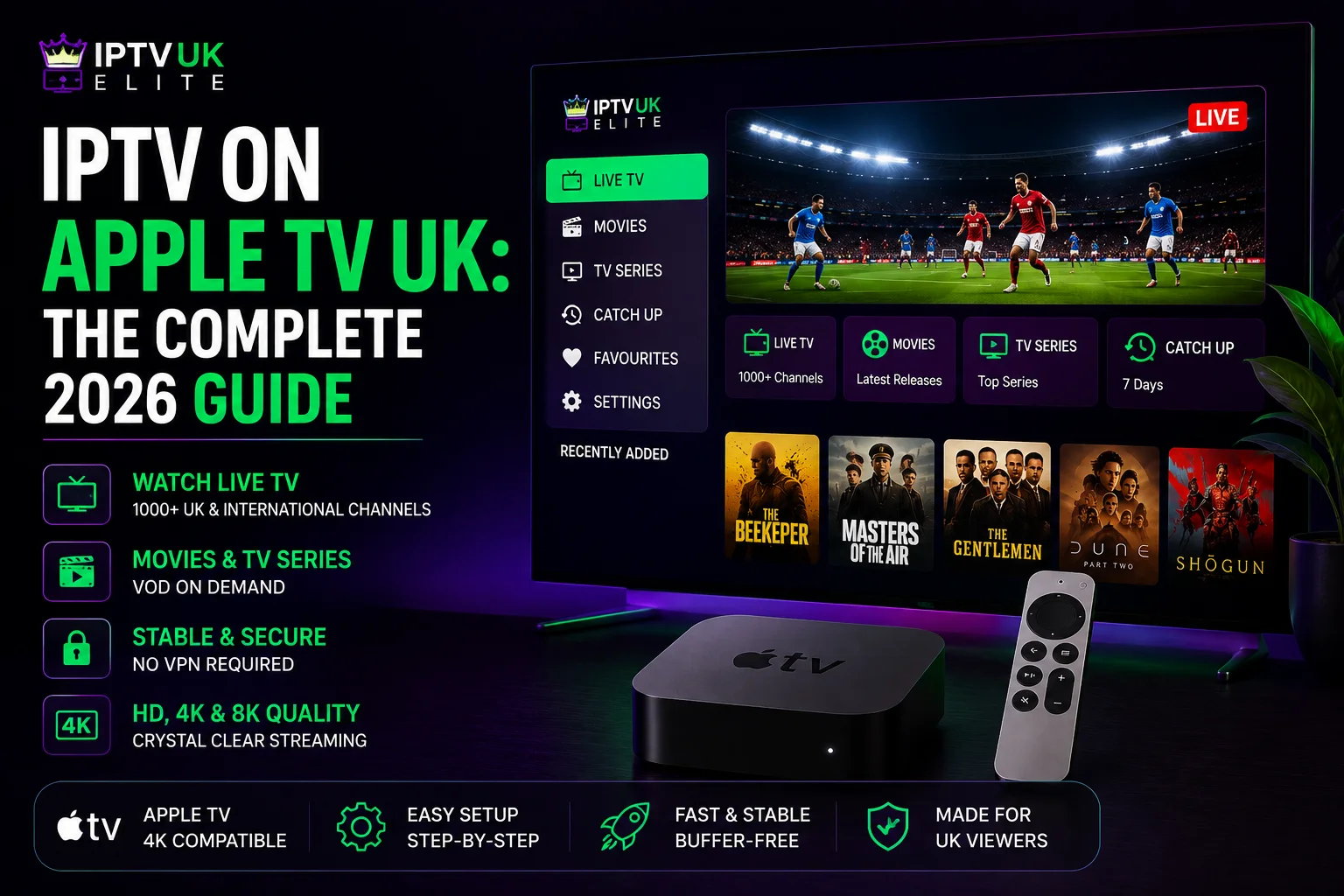
Key Takeaways
- IPTV apps such as Smarters Player Lite and GSE Smart IPTV are available directly from the Apple TV App Store — no sideloading, no computer, no jailbreak.
- The whole install takes under five minutes and works the same way as installing Netflix or iPlayer.
- The Apple TV 4K (3rd generation) handles large channel lists and 4K sport the most smoothly thanks to Wi-Fi 6 and a faster chip.
- An Apple TV alone does nothing: you still need an IPTV subscription, from £4/month with IPTVUKElite.
Apple TV is one of the cleanest ways to watch IPTV in the UK. Because tvOS apps are distributed through Apple's own App Store, getting IPTV running is actually simpler than on a Firestick or Android box — there is no sideloading, no enabling of "unknown sources", and nothing that feels like a workaround.
This guide covers the whole process end to end: choosing the right Apple TV, installing an app, picking a player, and fixing the buffering problems that catch most people out. If you want the condensed steps for every device, our IPTV setup guide covers Apple TV, Firestick, Smart TV, Android and iPhone in short form.
Which Apple TV Do You Actually Need?
Apple currently sells the Apple TV 4K in a couple of recent generations, and older HD models are still in plenty of UK living rooms. The differences that matter for IPTV are processor speed, Wi-Fi standard and available storage — a large channel list and an electronic programme guide are more demanding to scroll through than a typical app.
| Model | 4K (2022, 3rd gen) | 4K (2021, 2nd gen) | Apple TV HD |
|---|---|---|---|
| Best for IPTV | ✅ Yes | ✅ Good | ⚠️ Basic |
| 4K streaming | ✅ Yes | ✅ Yes | ❌ No |
| Wi-Fi 6 | ✅ Yes | ❌ No | ❌ No |
| Handles 34,000+ channel lists | ✅ Smoothly | ✅ Yes | ⚠️ Sluggish |
| Typical UK price | ~£129 | ~£99 used | ~£70 used |
If you are buying new and intend to watch football, get the latest 4K model. The Wi-Fi 6 support makes a real difference during a busy Saturday afternoon, and the extra power keeps the guide responsive when you scroll a large channel list. If you already own an older 4K model, there is no need to upgrade — it handles Premier League in 4K perfectly well.
Before You Start
You need three things: an Apple TV connected to your TV and Wi-Fi, an active IPTV subscription with login details, and about five minutes. If you do not have a subscription yet, you can start a free 24-hour trial with no card required and set everything up with the trial credentials. Prefer to skip the extra hardware and use a Samsung or LG telly instead? See our IPTV on Smart TV guide.
One honest note before you begin: the Apple TV is only the player. It does not provide channels by itself. The quality you get — whether matches stutter at 3pm on a Saturday — is determined almost entirely by the IPTV subscription behind it, not by the hardware.
How to Install IPTV on Apple TV (Step by Step)
Because IPTV player apps are listed on the official App Store, installing one is identical to installing any other tvOS app. There is nothing to unlock first.
- Open the App Store. From the Apple TV home screen, select the App Store app.
- Search for a player. Use the Siri Remote (or the Apple TV Remote app on your iPhone, which makes typing far easier) to search for Smarters Player Lite or GSE Smart IPTV.
- Install it. Select Get, then Install. The app downloads and installs itself directly on the Apple TV — no APK files, no Downloader app, nothing extra.
- Open the app. Once installed, select it from the home screen to launch it.
- Log in. Choose Login with Xtream Codes API and enter the username, password and server URL from your welcome email. Xtream Codes is preferable to an M3U link because it pulls in the full TV guide automatically.
- Wait for the list to load. Select Login. The first load takes 30–60 seconds while the channel list and EPG download. After that it is instant.
That is the entire process. There is no jailbreak, no sideloading and nothing that steps outside Apple's normal app rules.
Need a subscription for your Apple TV?
34,000+ live channels, every Premier League match and 200,000+ films in 4K — from just £4/month, with a free 24-hour trial and no card required.
Get 12 Months — 58% OffBest IPTV Apps for Apple TV
The player app changes the interface, not the picture quality. Any of these will work with a standard Xtream Codes login:
- Smarters Player Lite — the official tvOS version of IPTV Smarters, straightforward layout, good catch-up support. Best for most people.
- GSE Smart IPTV — highly customisable with a detailed EPG, though the interface takes a little longer to get used to.
- IPTV Smarters Pro (via iPhone AirPlay) — if a title is ever pulled from the App Store, mirroring the iPhone version to your Apple TV is a reliable fallback.
We compare the wider field, including Firestick and Android options, in our guide to the best IPTV player apps UK.
How to Stop IPTV Buffering on Apple TV
Buffering is the single most common complaint, and in most cases it is fixable in a couple of minutes. Work through these in order:
- Switch to 5GHz Wi-Fi. This is the big one. Most UK routers broadcast both a 2.4GHz and a 5GHz network — in Settings > Network > Wi-Fi, connect to the 5GHz network instead.
- Use a wired connection if possible. The Apple TV 4K supports Ethernet through its port (or an adapter on some models), which removes Wi-Fi interference entirely — the most reliable fix for a busy household.
- Restart the Apple TV. In Settings > System, choose Restart. This clears the memory and stops background processes competing for bandwidth.
- Reinstall the app. tvOS does not offer a manual "clear cache" option, so if a player app is misbehaving, delete and reinstall it from the App Store — this achieves the same result.
- Pause App Store updates. Apple TV can silently update other apps in the background; if this happens mid-match it can compete for bandwidth. Turn off automatic updates in Settings > Apps if this is a recurring issue.
- Lower the stream quality. If your broadband is under 25Mbps, switching from 4K to Full HD gives a far more stable picture.
If you have worked through all six and matches still stutter specifically at peak times — 3pm Saturday, midweek Champions League nights — the problem is not your Apple TV. It is your provider running out of server capacity when everyone tunes in at once. That is a capacity issue you cannot fix from your end, and the only real solution is a provider with headroom. Ours is covered by a zero-buffering guarantee.
Do You Need a VPN?
A VPN is not required to use a legitimate IPTV service, though plenty of people run one for general privacy reasons. If you do want that protection, note that a VPN app on Apple TV will use some of its processing power and can occasionally reduce speeds. IPTVUKElite includes built-in VPN protection, so there is nothing extra to install or pay for. For the wider legal picture, see our honest guide to whether IPTV is legal in the UK.
Common Apple TV Errors and What They Mean
- "Invalid credentials" — almost always a typo, or the server URL entered without http:// and the port number. Use the Apple TV Remote app on your phone to type it accurately, or copy and paste where the app supports it.
- App won't open after install — usually an interrupted download over a weak connection. Delete the app and reinstall from the App Store.
- Channels load but nothing plays — try the other recommended player app; occasionally a specific build has a temporary playback bug.
- Guide is empty — you have logged in with an M3U link instead of Xtream Codes. Log out and sign back in using the API option.
The Verdict
Apple TV is arguably the tidiest route into IPTV in the UK, because the whole process stays inside Apple's normal App Store — no sideloading, no Downloader app, nothing that feels off the beaten path. Use the latest 4K model if you are starting fresh, install Smarters Player Lite from the App Store, and connect over 5GHz Wi-Fi or Ethernet from day one — that combination avoids the overwhelming majority of problems people run into. Beyond that, the thing that determines whether your Saturday afternoon goes smoothly is the subscription behind the app, not the box under your telly.
Frequently Asked Questions
Can you get IPTV on Apple TV?
Yes. Several IPTV player apps, including Smarters Player Lite and GSE Smart IPTV, are available directly from the Apple TV App Store. You install them like any other tvOS app and log in with your IPTV subscription details — no sideloading or extra tools required.
Which Apple TV is best for IPTV in the UK?
The Apple TV 4K (3rd generation, 2022) is the best choice because it has the fastest chip, Wi-Fi 6 and HDR10+ support, which keeps large channel lists and 4K sport smooth. The older Apple TV HD still works but is limited to 1080p and struggles a little more with big EPGs.
Do I need to jailbreak my Apple TV for IPTV?
No. Apple TV cannot be jailbroken in any practical sense for streaming purposes, and it does not need to be. IPTV player apps are available as ordinary, official downloads from the App Store, so the whole process stays within Apple's normal app ecosystem.
Can I use an M3U or Xtream Codes link directly on Apple TV?
Yes. Once you have installed a player app such as Smarters Player Lite or GSE Smart IPTV, you can add your subscription using either an Xtream Codes login or a direct M3U playlist URL. Xtream Codes is recommended because it also pulls in the full TV guide automatically.
Why does IPTV keep buffering on my Apple TV?
Buffering on Apple TV is usually caused by a weak Wi-Fi signal, background App Store updates, or an overloaded provider. Switching to a 5GHz network or a wired Ethernet adapter, and restarting the Apple TV, resolves most cases. If it only happens during peak kick-off times, the provider's servers are the likely cause.
Do I need a VPN for IPTV on Apple TV?
A VPN is not required to use a legitimate IPTV service, though some viewers prefer one for general privacy. IPTVUKElite includes built-in VPN protection, so there is no need to install and pay for a separate VPN app on your Apple TV.
How much does IPTV for Apple TV cost in the UK?
An IPTVUKElite subscription costs from £4 per month on the 12-month plan, which is £49 in total. That covers 34,000+ live channels, 200,000+ films and series, and works on your Apple TV plus up to four other devices.
Ready to start watching?
Join 50,000+ UK viewers streaming on their Apple TV — 12 months for £4/mo, 34,000+ channels in 4K, zero buffering and a free 24-hour trial with no card required.
Claim Your Best Deal — 58% Off