
Key Takeaways
- Every Premier League match streams on iPhone and Android exactly as it does on a Smart TV — nothing is limited on mobile.
- A full match on mobile data typically uses around 1–2.5GB, comfortably inside most monthly allowances.
- No separate VPN app is needed to watch on your phone, and one is already built into every plan for privacy.
- Your login works on any device — start on your phone, finish on the TV, one stream at a time per subscription.
- Setup takes under two minutes with IPTV Smarters Pro, free on the App Store and Google Play.
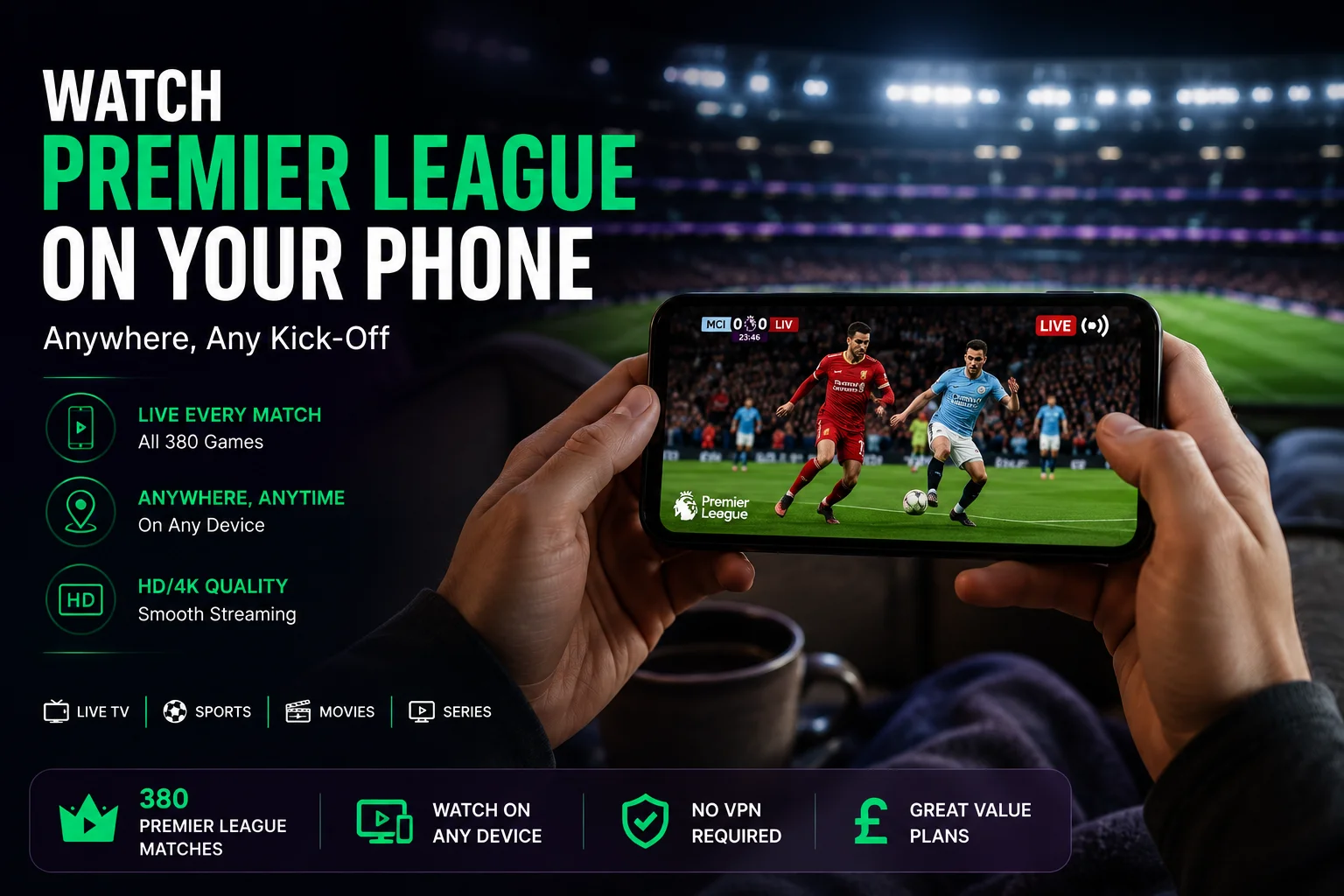
Kick-off doesn't always land in front of a TV. Stuck on the train, at your desk, in a pub garden with no telly in sight — watching Premier League on your phone with IPTVUKElite means the match follows you rather than the other way round, with the same channels and the same quality as at home.
Every Match, Same Quality, Smaller Screen
There's no separate "mobile version" of the channel line-up — IPTVUKElite streams the exact same 34,000+ channels on a phone as on a Smart TV, including every Premier League fixture across Sky Sports, TNT Sports and Amazon Prime coverage. True 4K and HD streams are both available; on a 6-inch screen the difference between them is barely noticeable, so HD is often the practical choice for saving data without losing anything you'd actually see.
How Much Data Does a Match Actually Use
On mobile data, a standard HD stream runs at roughly 0.7–1.5GB per hour, meaning a full 90-minute match plus stoppage time typically comes to somewhere between 1–2.5GB. On Wi-Fi the app may step up to a higher-quality stream automatically, which is worth knowing if you're watching on a train or in an area with a capped hotspot. For most UK mobile plans, one or two matches a week on data is a non-issue — it's a weekend of back-to-back fixtures on data alone where it's worth keeping an eye on your allowance.
Take every match with you
Same channels, same quality, on your phone or your TV — from £4/month.
Get 12 Months — 58% OffNo VPN, No Extra App to Fight With
Some IPTV services quietly need a separate VPN app running before mobile playback works at all — see our VPN-free IPTV UK guide for why that's a red flag. IPTVUKElite doesn't require one on any device, phone included, and still includes VPN protection built in for privacy, already switched on in the background with nothing to configure.
Setting Up IPTV on Your Phone
- Choose a plan or start the trial. Pick a subscription plan or begin with the free 24-hour trial — no card required.
- Install IPTV Smarters Pro. Free on the App Store and Google Play — the simplest player for iPhone and Android.
- Log in with your details. Your username, password and server URL arrive by email or WhatsApp.
- Find the match. Browse the guide or search the channel directly — it loads the same as any other live channel.
Prefer the big screen when you're home? The same login works instantly on Firestick, Smart TV or Android box — one stream per subscription across any device, so switching from phone to TV mid-match takes seconds — just log out of one before logging into the other.
The Verdict
A Premier League fixture landing at an inconvenient time shouldn't mean missing it. With the full channel line-up, true 4K quality and no VPN hassle available on iPhone and Android exactly as it is on a TV, IPTVUKElite makes watching on your phone a genuine option rather than a downgrade — from £4/month with a free 24-hour trial to try it on your own phone first.
Frequently Asked Questions
Can I watch every Premier League match on my phone?
Yes. IPTVUKElite streams the full channel line-up, including every Premier League fixture, on iPhone and Android exactly as it appears on a Smart TV — nothing is limited or left out on mobile.
How much mobile data does watching Premier League use?
Roughly 0.7–1.5GB per hour in standard HD on a phone screen, more on Wi-Fi where the app may use a higher-quality stream. Watching a full 90-minute match on mobile data typically uses somewhere between 1–2.5GB, so a decent monthly data allowance covers a matchday comfortably.
Do I need a VPN to watch on my phone?
No. IPTVUKElite works without a separate VPN app on any device, phone included. Every plan also includes built-in VPN protection as an optional privacy layer, already switched on.
Which app should I use to watch on my phone?
IPTV Smarters Pro is the simplest choice and is available free on both the App Store and Google Play. Enter the login details sent after signing up, and the full channel list loads immediately.
Can I switch between my phone and TV during a match?
Yes. Your IPTVUKElite login works on any device, so you can start a match on your phone during the commute and pick it up on the TV the moment you're home — just close the stream on one before opening it on the other, since each subscription streams on one device at a time.
Is the picture quality as good on a phone as on a TV?
Yes, the same true 4K and HD streams are available on mobile — a phone screen is simply smaller, so the difference in perceived detail is minimal compared to watching on a large Smart TV.
Never miss kick-off again
34,000+ channels, true 4K, on your phone or your TV — 12 months for £4/mo, free 24-hour trial, no card required.
Claim Your Best Deal — 58% Off