
How to Set Up IPTVUKElite — Step-by-Step Guides
Up and running in under 2 minutes on any device. Choose your device below.
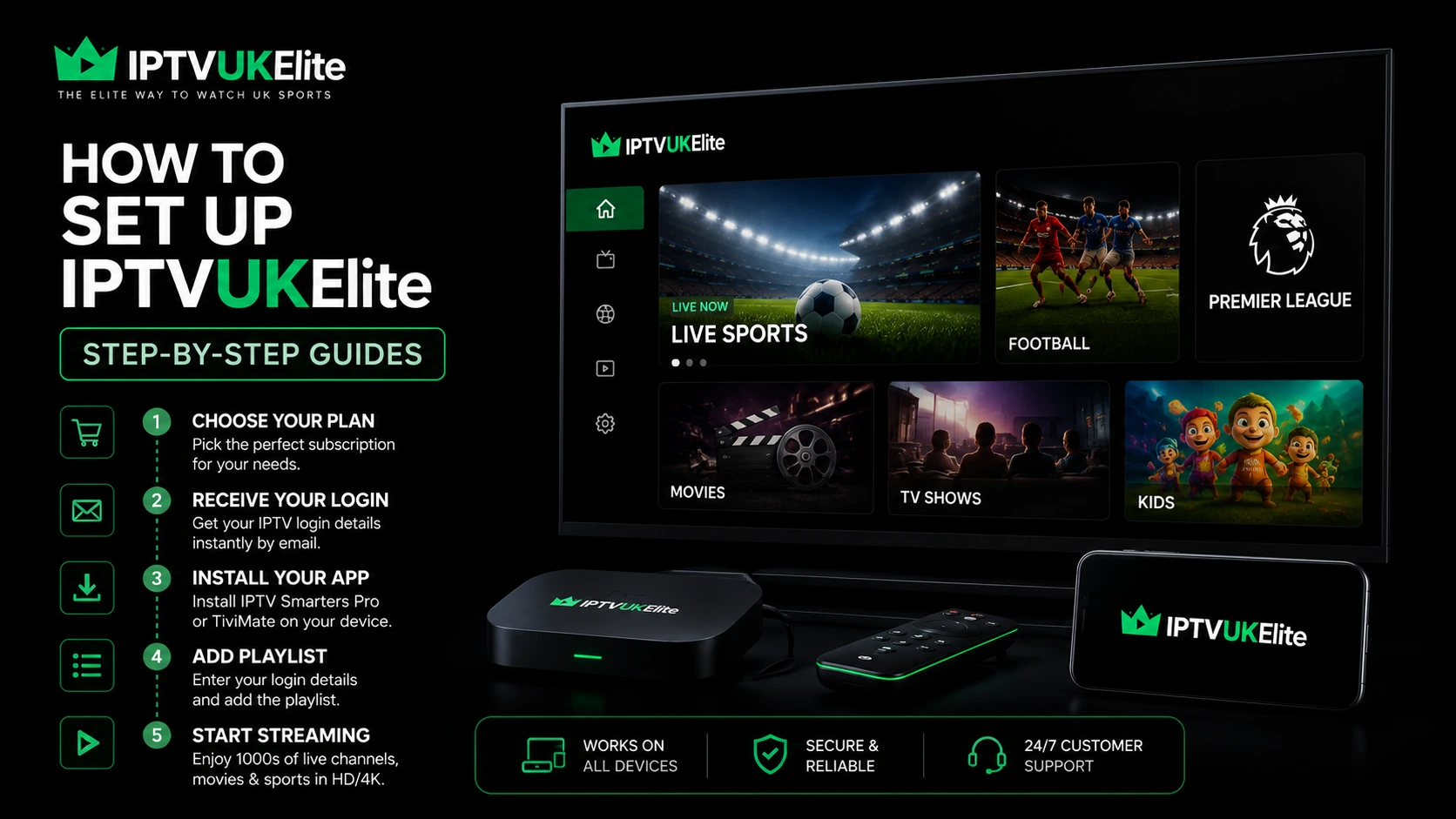
Setting up IPTV in the UK is quick and simple. After purchase you'll receive a welcome email with your login credentials (Username, Password, Server URL and M3U link). Pick your device below and follow the numbered steps. Haven't subscribed yet? Grab the best-value annual plan for instant access to 25,000+ channels — including every Premier League game in 4K.
📺 How to Set Up IPTV on Amazon Firestick UK
- Go to Settings > My Fire TV > Developer Options and enable Apps from Unknown Sources.
- Search for and install "Downloader" from the Appstore.
- Open Downloader and type: iptvsmarters.com to download IPTV Smarters Pro.
- Install the APK and open IPTV Smarters Pro.
- Select "Login with Xtream Codes API".
- Enter your Username, Password and Server URL (from your welcome email).
- Press Login — your channels load instantly.
Want more detail? Our full guide to IPTV on Firestick covers which Fire TV model to buy, the best player apps, and how to stop buffering for good.
📡 Samsung / LG Smart TV
- Open Smart Hub (Samsung) or the LG Content Store (LG).
- Search for "IPTV Smarters" and install it.
- Open the app and enter your M3U playlist URL (provided after purchase).
- Browse your channels and start watching.
Can't find IPTV Smarters in your TV's store? Our full guide to IPTV on Smart TV covers the Smart IPTV (SS IPTV) alternative, MAC-address registration, and what to do if your model won't cooperate at all.
🤖 Android Phone / Tablet
- Download IPTV Smarters Pro from the Google Play Store.
- Open and select "Login with Xtream Codes API".
- Enter your credentials from your welcome email.
- Start streaming immediately.
🍎 iPhone / iPad
- Download GSE Smart IPTV from the App Store.
- Go to Remote Playlists > Add M3U URL.
- Paste your M3U URL provided by IPTVUKElite.
- Save and browse your channels.
📦 MAG Box
- Go to Settings > Servers > Stalker Portal.
- Enter the Portal URL provided by IPTVUKElite.
- Save settings and restart your MAG Box.
- Activate with your MAC address when prompted.
💻 PC / Mac (Browser)
- Go to iptvukelite.com/player.
- Log in with your credentials.
- Watch directly in your browser — no install needed.
Stuck on any step? Our 24/7 UK support team will walk you through it on live chat — usually in under 5 minutes.