
Key Takeaways
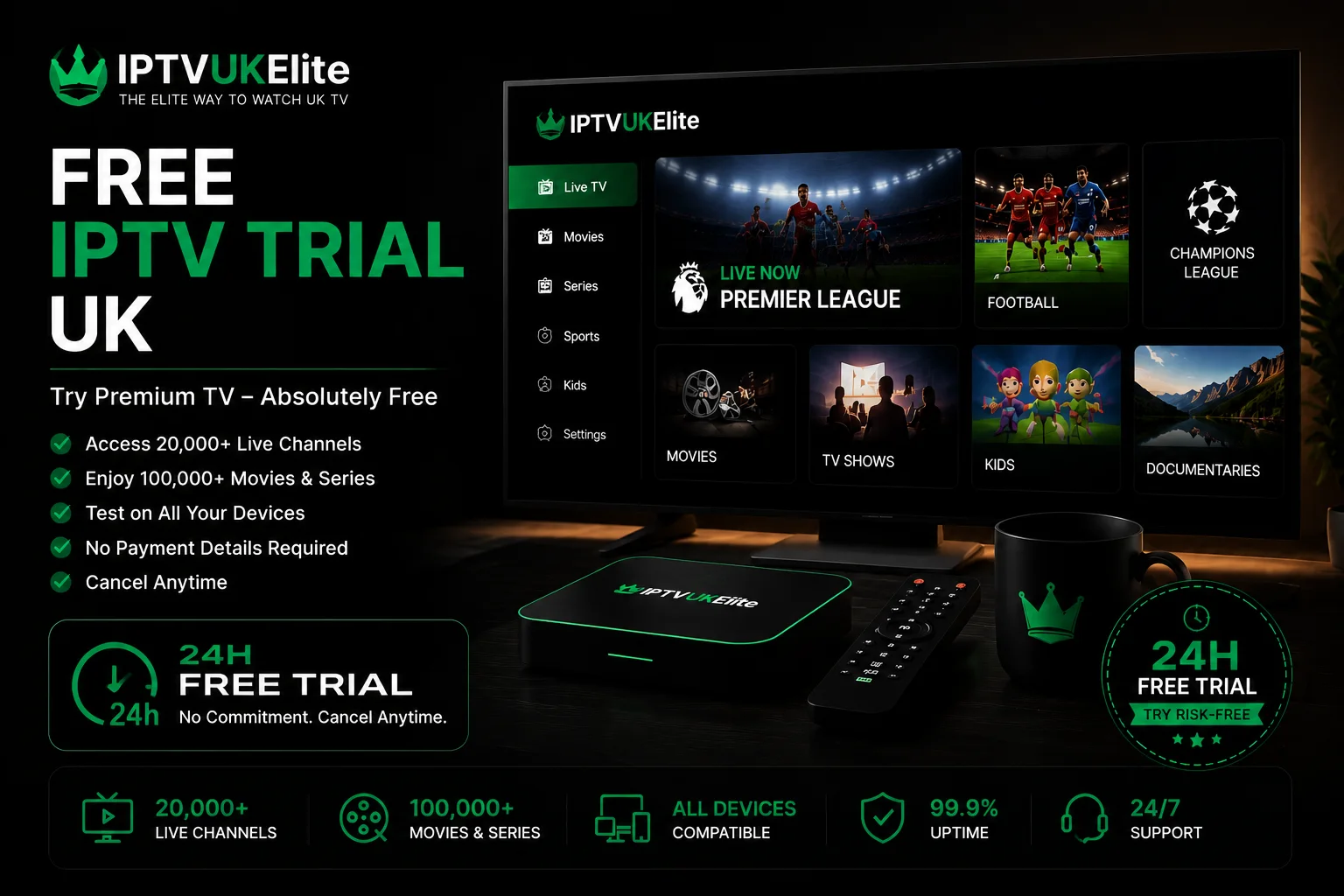
- IPTVUKElite's free IPTV trial runs 24 hours with the full 25,000+ channel line-up — not a cut-down demo.
- No card details are taken to start it, so there is nothing to remember to cancel.
- Message WhatsApp or live chat and login details arrive within minutes.
- Test live sport at peak time (3pm Saturday) — that's when a weak provider actually shows its buffering.
- Access simply ends after 24 hours; you only pay if you choose to continue.
A free IPTV trial is the only honest way to judge an IPTV service before paying for it — pictures on a sales page tell you nothing about how a stream holds up on your actual broadband, on your actual TV, during your actual Saturday afternoon. This guide covers exactly what IPTVUKElite's free trial includes, how to start it in the next five minutes, and what to actually test while you have it.
What's Included in the Free Trial
The trial is not a stripped-back preview. It is full access to the same IPTV subscription paying customers get, for 24 hours:
- 25,000+ live channels — the complete UK and international line-up, including Sky Sports, TNT Sports, BBC, ITV, Channel 4, Channel 5 and Sky Cinema
- Every Premier League match, plus EFL, Champions League and PPV boxing
- 200,000+ films and series in 4K, the same on-demand library as a full subscription
- True 4K Ultra HD streaming — not a lower-quality trial tier
- Catch-up TV and the full EPG guide
- Works on your own device — Firestick, Smart TV, Android, iPhone, PC or Mac
The reasoning is simple: a trial that hides the parts most likely to disappoint you — peak-time load, 4K bitrate, channel-switching speed — isn't a real trial. Testing the full product is the only way the 24 hours tells you anything useful.
Start your free trial now
24 hours, full access, no card required. Message us on WhatsApp and your login arrives within minutes.
Start My Free Trial →How to Start Your Free IPTV Trial
- Message support. Open WhatsApp or the live chat widget and ask for a free 24-hour trial. No card, no form, no commitment.
- Receive your login. A username, password and server URL arrive by WhatsApp or email, usually within a few minutes.
- Install a player app. IPTV Smarters Pro is the simplest choice and works on almost every device — see our IPTV player apps guide if you want to compare options first.
- Log in and watch. Enter your trial details using Xtream Codes login, and the full channel list and guide load within a minute.
That's the whole process — no different from setting up a paid subscription, because it genuinely is the paid product, just switched off after 24 hours.
What to Actually Test During Your Trial
Twenty-four hours is enough time to judge a service properly, if you spend it on the right things rather than just leaving a channel on in the background:
- Watch live sport at peak time. If you can time your trial around a Saturday 3pm kick-off or a midweek Champions League night, do it — that is when an overloaded provider buffers and a properly provisioned one doesn't.
- Check actual 4K quality. Some services label a stream "4K" when it's upscaled HD. Watch a 4K channel close up on a large screen and judge it yourself.
- Test on the device you'll actually use. A trial that runs perfectly on a laptop and stutters on your Firestick tells you nothing useful — test on the exact hardware.
- Try catch-up and the EPG. Scroll the programme guide and rewind a show you missed. A sluggish guide is often the first sign of a provider cutting corners elsewhere.
- Message support with a real question. Response speed during the trial is a preview of what support looks like after you've paid.
Free Trial vs "Too Good to Be True"
Genuine free trials and IPTV scams both use the word "free," so it's worth knowing the difference before you hand anyone your details. A real trial, like this one, asks for nothing but a WhatsApp message. Walk away from anyone who wants your card "just to verify you're real" for a free trial — that's a subscription trap, not a trial. Our cheap IPTV UK guide covers the wider red flags to watch for once you're comparing paid plans.
What Happens After the 24 Hours
Access simply stops. Because no card was taken to start the trial, nothing renews and nothing gets charged — there is no subscription to remember to cancel. If you liked what you saw, plans start at £4.92/month on the 12-month plan, with 3-month, 6-month and lifetime options too, all backed by a 7-day money-back guarantee even after you've paid.
The Verdict
A free trial only tells you something useful if it's the real product, tested at the right time, on the right device. IPTVUKElite's 24-hour trial gives you the full 25,000+ channel line-up with nothing to cancel and nothing charged — so there's no reason to buy an IPTV subscription blind. Test it on a Saturday afternoon, and you'll know within the hour whether it's right for you.
Frequently Asked Questions
Is there a genuinely free IPTV trial in the UK?
Yes. IPTVUKElite offers a free 24-hour IPTV trial with full access to 25,000+ live channels, Premier League, Sky Sports, TNT Sports and 200,000+ films in 4K. No card is required to start it and there is nothing to cancel if you decide not to continue.
Do I need to enter my card details for the free trial?
No. IPTVUKElite's free 24-hour trial requires no payment details at all. You only pay if you choose to subscribe afterwards, and even then every plan carries a 7-day money-back guarantee.
How long does an IPTV trial last?
IPTVUKElite's free trial runs for 24 hours from activation, giving full access to every channel and the full on-demand library so you can properly test picture quality and reliability, including at peak viewing times.
How do I start my free IPTV trial?
Message IPTVUKElite on WhatsApp or live chat and ask for a free trial. Your login details are sent within minutes, with no card required. Install a player app such as IPTV Smarters Pro, log in, and start watching.
What should I test during a free IPTV trial?
Test live sport at the busiest time you can, ideally 3pm on a Saturday, since that is when a weak provider buffers. Also check 4K picture quality, channel-switching speed, the electronic programme guide, and catch-up TV, on the actual device you plan to use day to day.
Does the free trial include Premier League and Sky Sports?
Yes. The IPTVUKElite trial gives full access to the same channel list as a paid subscription, including every Premier League match, Sky Sports, TNT Sports and PPV boxing, so you are testing the real product, not a limited demo.
What happens when my free IPTV trial ends?
Access simply stops after 24 hours. Nothing is charged automatically, because no card was taken in the first place. If you want to continue, you choose a plan and pay separately — there is no auto-renewal to cancel.
Try before you buy — properly
25,000+ channels, every Premier League match, true 4K — free for 24 hours, no card required.
Start My Free Trial →